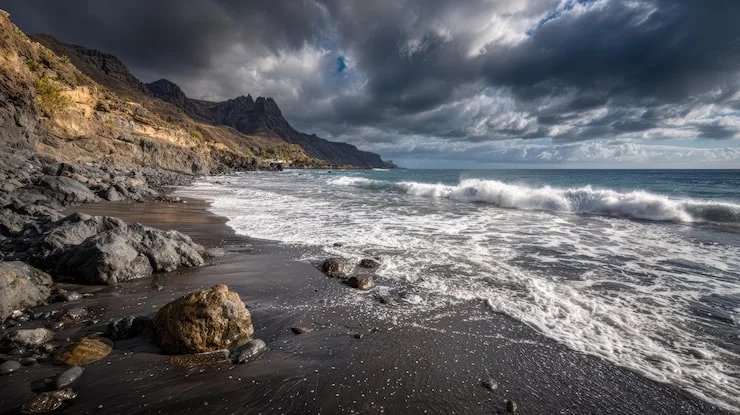
Photographing the coast is not the same as photographing a mountain or a forest. The coast moves. Water shifts, waves break, tides rise and fall, and the light changes faster than almost anywhere else because the open horizon gives the sun a clear stage from dawn until dusk. That movement is exactly what makes coastal photography exciting, and it is also what makes it difficult. You cannot simply show up, point your camera at the ocean, and expect a great image. You need a plan, the right tools, and a clear idea of what you want the water to look like in your final photograph coastal landscapes.
This guide walks you through the entire process from the night before your shoot to the moment you press the shutter. Every step matters, and skipping even one can turn a promising morning into a frustrating lesson. The good news is that none of this is complicated. It just requires patience and a willingness to slow down.
Check the Tide Before You Do Anything Else
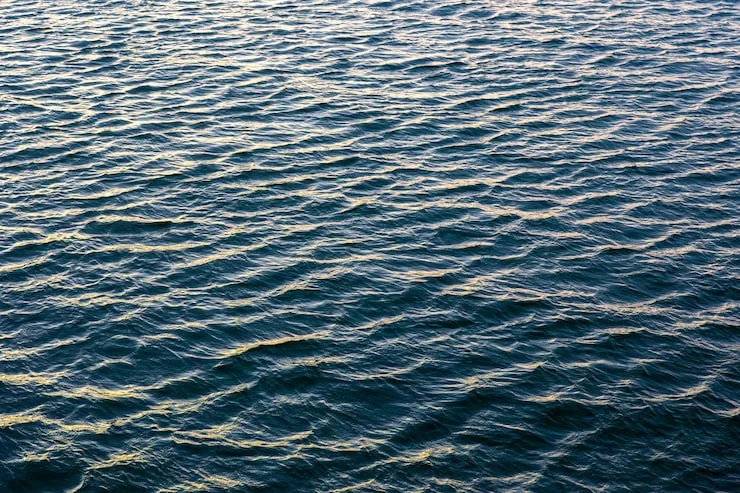
The single most important habit in coastal photography happens before you even leave your house. You must check the tide chart. The tide controls what you can access, what the water looks like, and what kind of foreground you will have. At high tide, the water comes closer to the cliffs and rocks, often creating cleaner reflections and simpler scenes. At low tide, the water pulls back and reveals textures that are normally hidden: wet sand, rock pools, seaweed, and sometimes debris .
Neither tide is automatically better. What matters is that you know what to expect and that you arrive with enough time to work safely. A beach that looks harmless at one moment can become cut off within an hour as the water rises. Always know when the tide turns and always have an exit route in mind. Photographers who ignore tides do not just risk bad images. They risk real danger.
Beyond the tide, check the weather. A clear blue sky might feel pleasant, but it often produces flat, boring coastal images. Clouds add texture to the sky and drama to the scene. Overcast conditions can actually be wonderful for rock textures and long exposures because the soft light removes harsh shadows . Wind matters too. Strong wind shakes your tripod and blows sea spray onto your lens. If the forecast calls for heavy wind, plan your shutter speeds and your lens cloth accordingly.
Read Also: Landscape Photography Composition Tips For Beginners
Bring a Tripod, Even If You Think You Do Not Need One
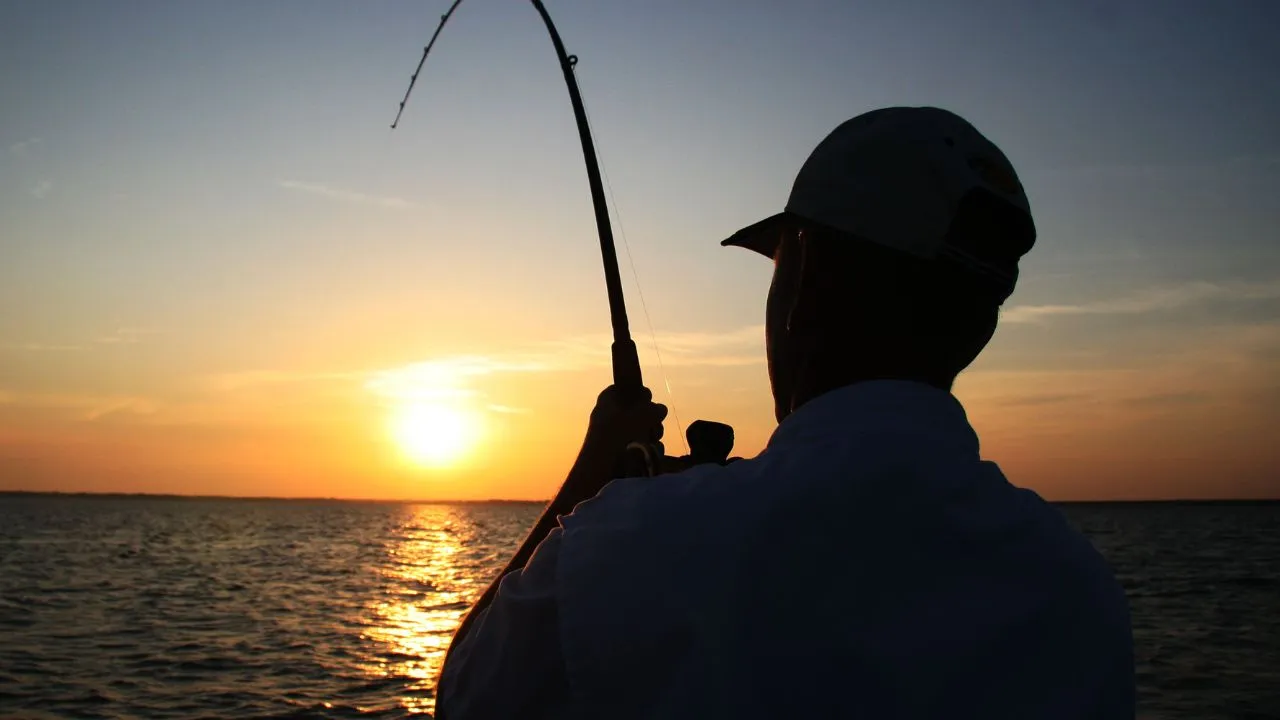
Many people begin coastal photography with hand-held shots. That works fine for freezing a crashing wave in bright sunlight. But the moment you want smooth water or a long exposure, hand-holding becomes impossible. The camera must stay completely still while the shutter stays open for one second, five seconds, or even thirty seconds. Your hands cannot do that. A tripod can.
A sturdy tripod is not a luxury for coastal work. It is a basic requirement . The coast has wind, wet rocks, and uneven ground, all of which challenge stability. Set your tripod low if you need to. Many coastal photographers spread the legs wide and keep the center column down to resist vibration. If you can, use a remote shutter release or your camera’s timer. Pressing the shutter button with your finger introduces movement that becomes visible in long exposures . Even a two-second delay is better than nothing.
Beyond the tripod, you need a way to control light. A neutral density filter, often called an ND filter, is a dark piece of glass that screws onto your lens. It reduces the amount of light entering the camera without changing the colors. That might sound strange. Why would you want less light? The answer is simple. By blocking light, the filter forces your camera to use a longer shutter speed to get a proper exposure. That longer shutter speed is what turns moving water into a smooth, misty surface . A six-stop or ten-stop filter is common for coastal work. You do not need one to start, but once you want silky water in daylight, you will need one.
A polarizing filter is also helpful. It cuts glare from wet rocks and water surfaces, letting you see into rock pools and capturing richer colors in the sky and sea . It does not replace the ND filter, but the two work well together.
Decide What the Water Should Look Like
Before you set up your camera, answer one question: what role does the water play in this photograph? Is it the subject, the texture, the mood, or simply the background? Your answer determines your shutter speed, and your shutter speed determines everything else.
If you want to freeze a wave as it crashes against a rock, capturing every droplet in sharp detail, you need a fast shutter speed. Something around 1/1000 of a second or faster will stop the motion completely . This approach works well when the wave itself is the dramatic element and you want the viewer to feel its energy.
If you want the water to look soft but still retain some visible movement, a shutter speed between roughly half a second and a few seconds will do it. The water will blur slightly, but you will still see the direction and rhythm of the waves . This middle ground is often the most natural-looking choice. The water feels alive, but it does not look like fog.
If you want completely smooth, glassy water with no visible wave texture at all, you need a long exposure. That means shutter speeds measured in seconds, often between five and thirty seconds or even longer . The ND filter makes this possible in daylight. Without it, even at a small aperture and low ISO, the camera would let in too much light and the image would turn white. With a ten-stop filter, a thirty-second exposure in daylight becomes achievable. The result is that misty, ethereal look that many coastal photographers love.
There is no single correct choice. A dramatic, rocky coastline with powerful surf might look best with a fast shutter speed that freezes the spray. A calm bay at sunrise might look best with a long exposure that turns the water into a smooth sheet. Decide what you want the image to say, then choose the shutter speed that says it .
Set Your Camera Carefully
Manual mode gives you full control, and coastal photography is a good place to use it. Start with your ISO at its lowest native setting, usually 100. There is no reason to raise it when your camera is on a tripod and the scene is not moving quickly . Low ISO gives you the cleanest file with the least noise.
For aperture, somewhere around f/8 to f/11 is a safe starting point. This range gives you enough depth of field to keep both the foreground rocks and the distant horizon reasonably sharp without introducing the softness that can come from very small apertures like f/22 . If you are shooting very close to a foreground object, you may need f/13 or f/16 to get everything in focus, but check your image on the screen to confirm. Do not assume.
The order of operations matters more than most people realize. If you are using a strong ND filter, compose and focus before you attach it. A ten-stop filter is almost opaque. Once it is on the lens, you will struggle to see through the viewfinder and autofocus will hunt or fail entirely. Frame your shot, focus carefully, then switch to manual focus or lock focus, and only then screw on the filter . This small habit saves enormous frustration.
Meter the scene without the filter as well. Note your camera’s suggested shutter speed at your chosen aperture and ISO. Then calculate how much longer the shutter needs to stay open once the filter is attached. A six-stop filter means multiplying the shutter speed by sixty-four. A ten-stop filter means multiplying by one thousand and twenty-four. You do not need to do this math in your head. Several free phone apps handle it for you, and many photographers keep one on their phone for exactly this purpose .
Read: Best Outdoor Wildlife Photography Tips for Beginners
Build the Frame from the Ground Up
A coastal photograph without a strong foreground is often just a picture of water and sky. It might be pleasant, but it will rarely hold attention. The best coastal images give the viewer something to stand on, something to look past, and something to look toward.
Start low. Getting your camera close to the ground, or even just lower than eye level, changes the relationship between the foreground and the background. Rocks that looked small from standing height become prominent anchors in the frame. Wet sand becomes a reflective surface that mirrors the sky. A rock pool becomes a window into a tiny world . A low angle also helps you hide uninteresting middle ground, like dry sand or scattered debris, by compressing it or blocking it with a foreground element.
Look for leading lines. The edge of the water as it meets the sand is a natural line. So is a ridge of rocks, a path through the dunes, or the pattern of waves rolling toward shore. These lines guide the viewer’s eye through the image and give it a sense of depth and direction . Without them, the eye wanders and the image feels flat.
Think in layers. A strong coastal photograph often has three distinct zones: a foreground that anchors the image, a middle ground that carries the eye deeper, and a background that provides context, whether that is a distant headland, a lighthouse, or simply the horizon where sea meets sky . When you compose, check each layer. Is the foreground interesting? Is the middle ground distracting or useful? Does the background support the story?
Work the Scene Instead of Leaving After One Shot
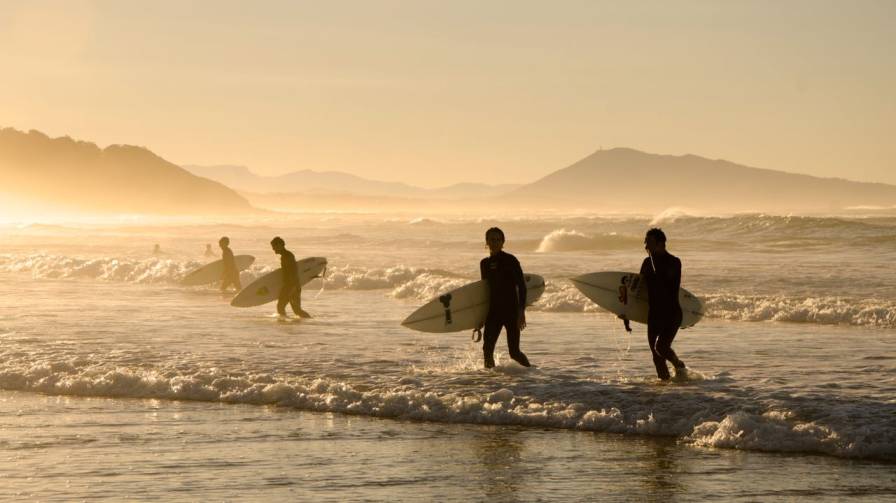
The biggest difference between a beginner and an experienced coastal photographer is not the equipment. It is the willingness to stay. Light changes. Tides move. Clouds shift. A scene that looks flat at one moment can become extraordinary twenty minutes later when the sun breaks through a gap in the clouds or the tide reaches a particular photograph coastal landscapes.
Take your first shot, then look at it on your screen. Ask yourself what is working and what is not. Is the foreground strong enough? Is the horizon level? Is there a distracting element at the edge of the frame that you can remove by stepping to the left or right? Make one change and shoot again. Then make another change. This process of small adjustments is how good images happen. It is rarely the first frame.
Do not be afraid to change your shutter speed and shoot the same scene again. A wave that looks chaotic at one second might look elegant at four seconds. A scene that feels busy at a fast shutter speed might become calm and minimal at fifteen seconds . You are not wasting time by experimenting. You are learning what the water does and how your camera sees it.
Stay Safe and Respect the Coast
The ocean does not care about your photograph. Sneaker waves, rising tides, and slippery rocks are real hazards, and they have caught experienced photographers off guard. Never turn your back on the water for long. Keep your tripod legs away from the edge of wet rocks. Wear shoes with grip. If a wave comes closer than you expected, move first and worry about the shot later.
Sea spray is also hard on equipment. Bring a microfiber cloth and check your lens frequently. A single droplet on the front element can soften an entire image, and you may not notice until you are back at your computer. If the spray is heavy, consider using a rain cover or simply shielding the lens with your body between shots.
Finally, leave the coast as you found it. Do not move rocks or disturb wildlife for the sake of a composition. The best coastal photographs are made by people who respect the place they are photographing.
Put It All Together
Coastal landscape photography rewards preparation and patience more than expensive gear. Check the tide. Bring a tripod. Decide what you want the water to look like before you raise the camera. Build your frame from a low angle with a clear foreground and a sense of depth. Then stay longer than you planned and make small adjustments until the scene gives you something worth keeping.
The coast is always moving. Your job is not to stop that movement, but to decide how it will appear in your photograph. Once you understand that, every beach, every rocky shore, and every breaking wave becomes a new opportunity rather than a new problem.